ETDSelect Logo

ETDSelect

Screen Capture & Annotation Utility

Updated v1.0.1 Windows 10 / 11 2 MB Stable Release MIT/Custom C++17 / Win32
Download from GitHub Portable Version Source Code
All Products

About

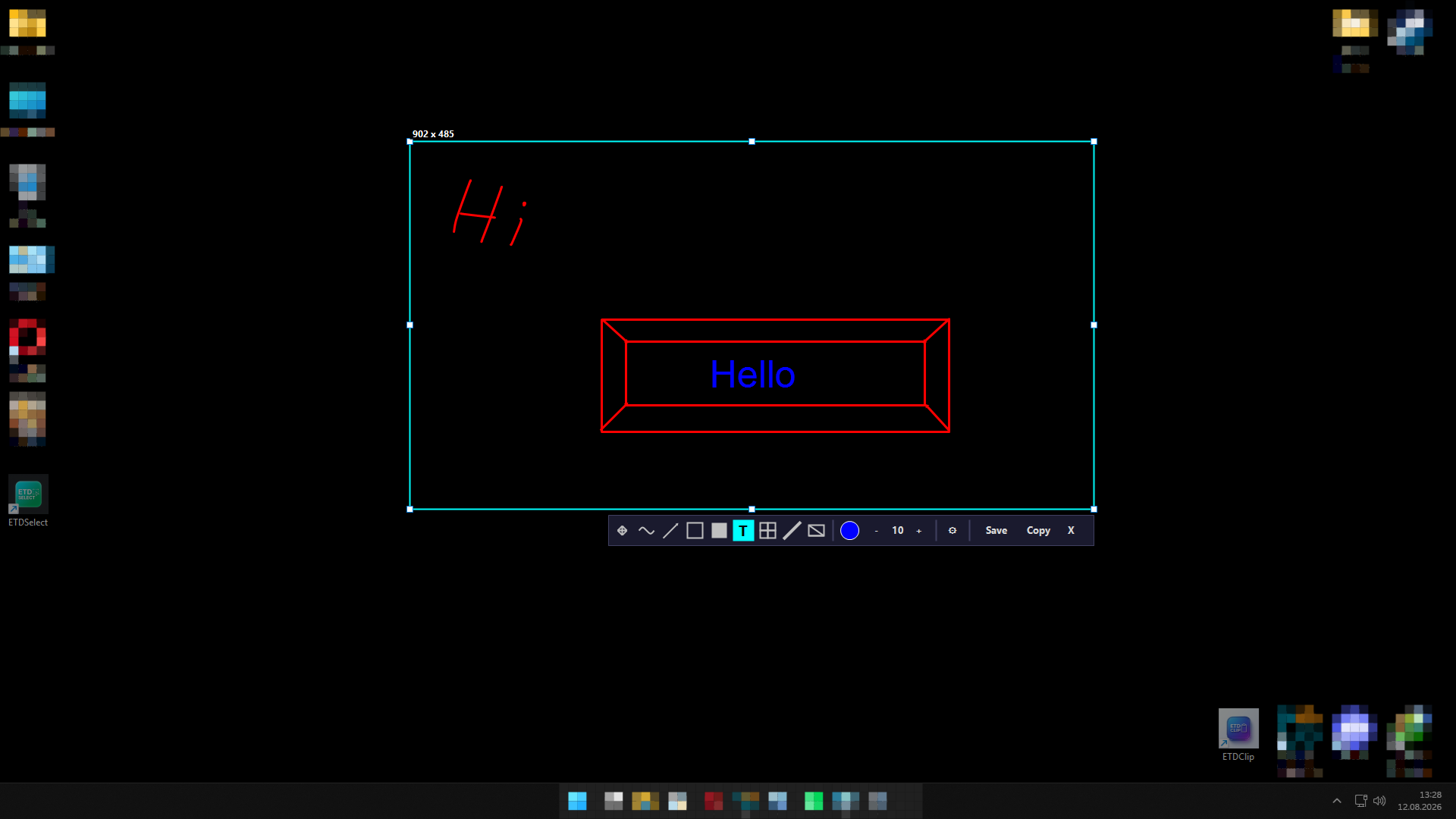
ETDSelect is an ultra-lightweight screenshot utility designed for Windows. It offers an instant drawing/annotation toolbar and direct copy to clipboard/file saving capabilities.

Screenshots
Features

  • Smooth screen capture transition
  • Color pen, arrow, rectangle, mosaic, and highlighter tools
  • Instant copy to clipboard (Ctrl + C) or save to file (Ctrl + S)
  • Multi-monitor support and automatic region detection
  • Ultra-low resource consumption

Shortcuts

Ctrl + Shift + S Launch screen capture tool
Ctrl + C Copy selection to clipboard
Ctrl + S Save selection to file
Esc Close overlay screen